This guide provides step-by-step instructions for setting up a Ruby on Rails project on a Vagrant machine. It includes Vagrant configuration, package updates, RVM and Ruby installation, setting up Node.js, Git initialization, Heroku deployment, and integrating Bootstrap with Rails. The guide is designed to help IT professionals understand the setup process, with detailed explanations of each command used.
By following these steps, you should have a fully functional Kubernetes environment running locally on your Ubuntu system. This setup provides a solid foundation for learning and experimenting with Kubernetes and its various features.
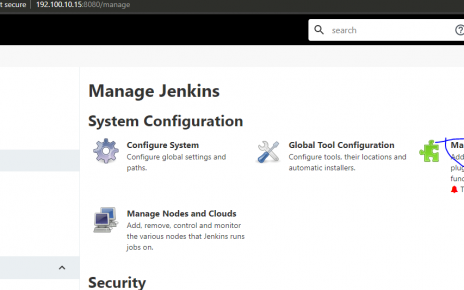
The installation and configuration of Jenkins on a Linux server necessitate the presence of Java. Following a structured sequence of commands, Java is first installed, then Jenkins is downloaded and set up. Post-installation, accessing the server involves retrieving the initial administrative password for further configuration.