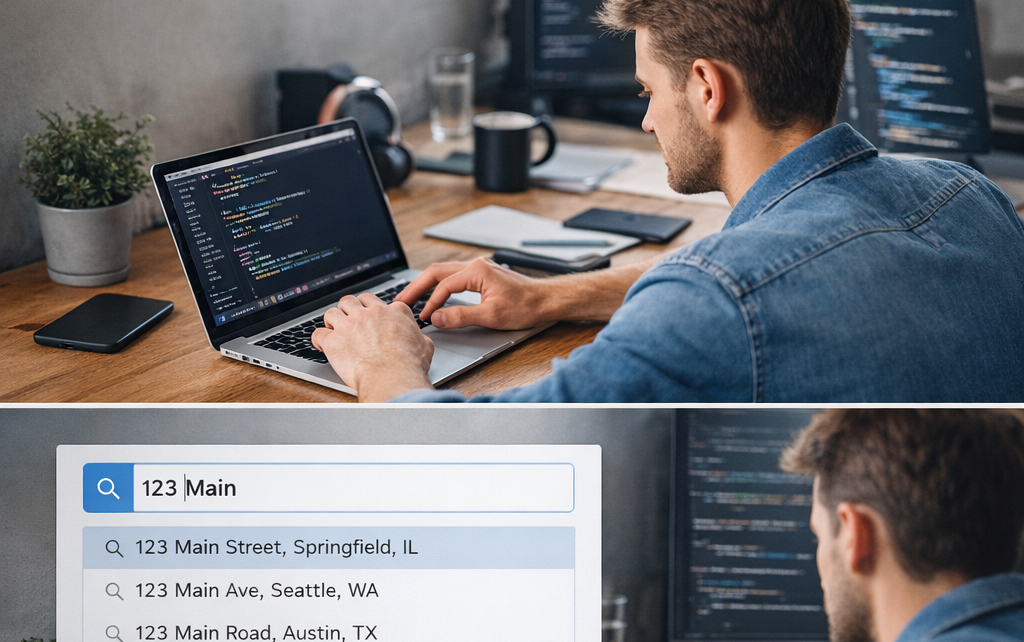
Modern web applications often require fast and accurate address search functionality. The TypeScript Search Address App is a simple GitHub project that demonstrates how to build an address search interface using TypeScript and modern frontend development techniques.
You can explore the full project here:
https://github.com/sf-co/4-ts-search-address-app
Projects like this are useful for learning how search systems work in web applications, especially when dealing with structured data such as addresses or locations. Address search systems typically process user queries and return relevant results, often integrating geocoding or search APIs.
Project Overview
The TS Search Address App is a lightweight application that allows users to search for addresses using a simple input interface. As the user types into the search field, the application filters and displays matching address results.
This type of application is commonly used in:
- Delivery applications
- Map services
- Location-based platforms
- Registration forms requiring address input
The main goal of this project is to demonstrate how TypeScript can be used to build a responsive search feature with clean and maintainable code.
Key Features
Address Search Input
Users can enter a location or address in a search field to find matching results.
Dynamic Results Display
The interface updates search results automatically as the user types.
TypeScript Implementation
The project is written using TypeScript, which improves code reliability through static typing and better tooling support.
Simple UI Structure
The project keeps the interface minimal and focused on demonstrating the search functionality.
Technologies Used
The project showcases a modern frontend development stack.
TypeScript
Adds static typing to JavaScript, helping developers catch errors early and write more maintainable code.
JavaScript / DOM Manipulation
Handles user input and updates the search results dynamically.
HTML & CSS
Provides the structure and styling for the search interface.
How Address Search Works
Address search applications typically follow a simple process:
- The user types a query in the search field.
- The application processes the query.
- A filtering or search algorithm finds matching addresses.
- The results are displayed instantly in the interface.
Many real-world systems extend this concept by integrating geocoding APIs that convert addresses into geographic coordinates or structured location data.
Example Project Structure
A typical structure for a TypeScript search application looks like this:
ts-search-address-app
│
├── public
│   └── index.html
│
├── src
│   ├── app.ts
│   ├── search.ts
│   └── styles.css
│
├── package.json
└── tsconfig.json
This structure separates application logic from configuration and styling, making the project easier to maintain.
How to Run the Project
Follow these steps to run the project locally.
1. Clone the Repository
git clone https://github.com/sf-co/4-ts-search-address-app.git
2. Open the Project Folder
cd 4-ts-search-address-app
3. Install Dependencies
npm install
4. Run the Development Server
npm start
Then open your browser and navigate to the local development URL.