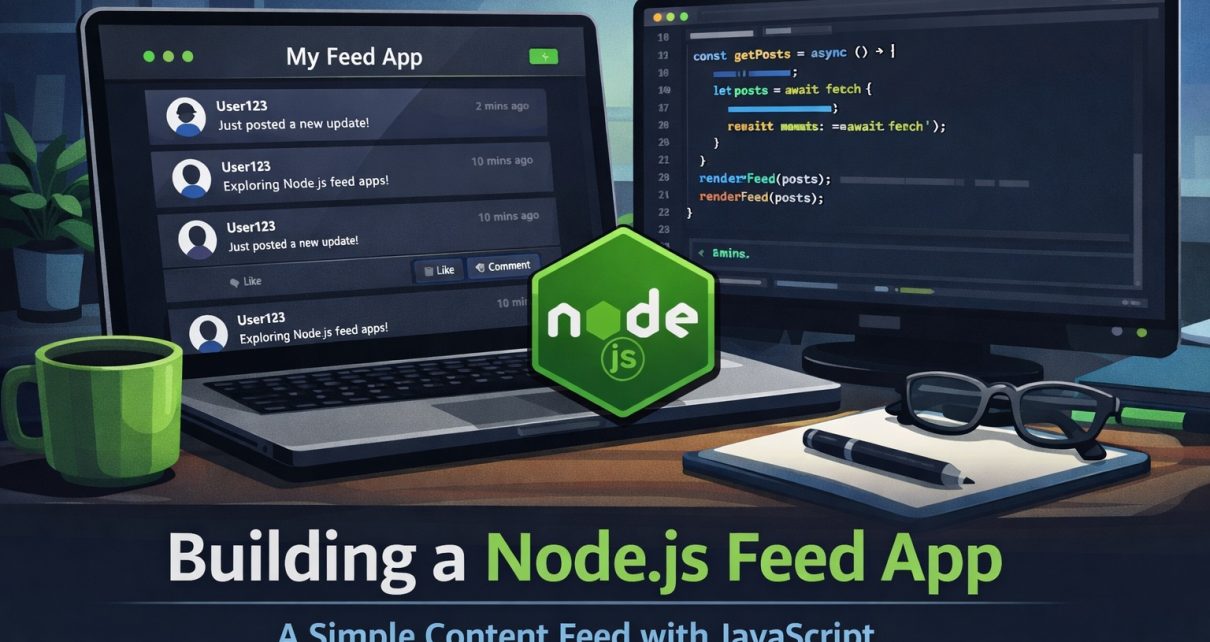
Modern applications often rely on content feeds to display dynamic updates such as news, blog posts, or social activity. In this project, we build a simple Feed App using Node.js and JavaScript, demonstrating how to manage and display a feed of content efficiently.
This lightweight project is a great way to learn how feed-based systems work and how modern web applications present real-time or frequently updated information to users.
👉 GitHub Repository:
https://github.com/sf-co/3-njs-feed-app
What is a Feed App?
A feed application displays a stream of content items, usually sorted by time. These items can represent blog posts, updates, or notifications.
Feed systems are commonly used in:
- Social media timelines
- News aggregation platforms
- Blog readers
- Activity streams in applications
In many modern apps, a feed represents recent actions or content updates shown in chronological order.
Project Overview
The Node.js Feed App demonstrates how to build a simple feed system using JavaScript. The application focuses on keeping the implementation minimal while still showing how feed data can be handled.
Key ideas explored in the project include:
- Creating a feed-based UI
- Managing feed items
- Rendering dynamic content
- Structuring a Node.js application
This makes it a useful project for beginners who want to understand how feeds work behind the scenes.
Features
Some features implemented in this project include:
- Simple feed interface
- Lightweight JavaScript logic
- Easy-to-understand project structure
- Beginner-friendly code
Because the project is small and focused, it’s perfect for:
- Learning Node.js basics
- Practicing JavaScript
- Understanding feed architectures
- Experimenting with web UI rendering
How the Feed System Works
A typical feed system follows a simple flow:
- Data is created or fetched from a source.
- The feed items are stored in a structured format.
- The application renders the feed items in the UI.
- New items appear at the top of the feed.
Many real-world applications use this same concept to display recent activity, notifications, or updates.
Why Build a Feed App?
Building a feed application helps developers understand several key concepts:
- Data rendering in web applications
- Event-driven updates
- UI component structure
- JavaScript application architecture
Even large platforms like social networks and developer tools rely heavily on feed-based interfaces.
Getting Started
To run the project locally:
git clone https://github.com/sf-co/3-njs-feed-app
cd 3-njs-feed-app
npm install
npm start
After running the application, you can open it in your browser and explore the feed functionality.
Final Thoughts
The Node.js Feed App is a great example of a simple but practical project. Feed systems power many of the applications we use every day, and building one from scratch helps developers understand how dynamic content is structured and displayed.
If you’re learning Node.js or JavaScript, this project is a great addition to your portfolio.
⭐ Check out the code and contribute:
https://github.com/sf-co/3-njs-feed-app