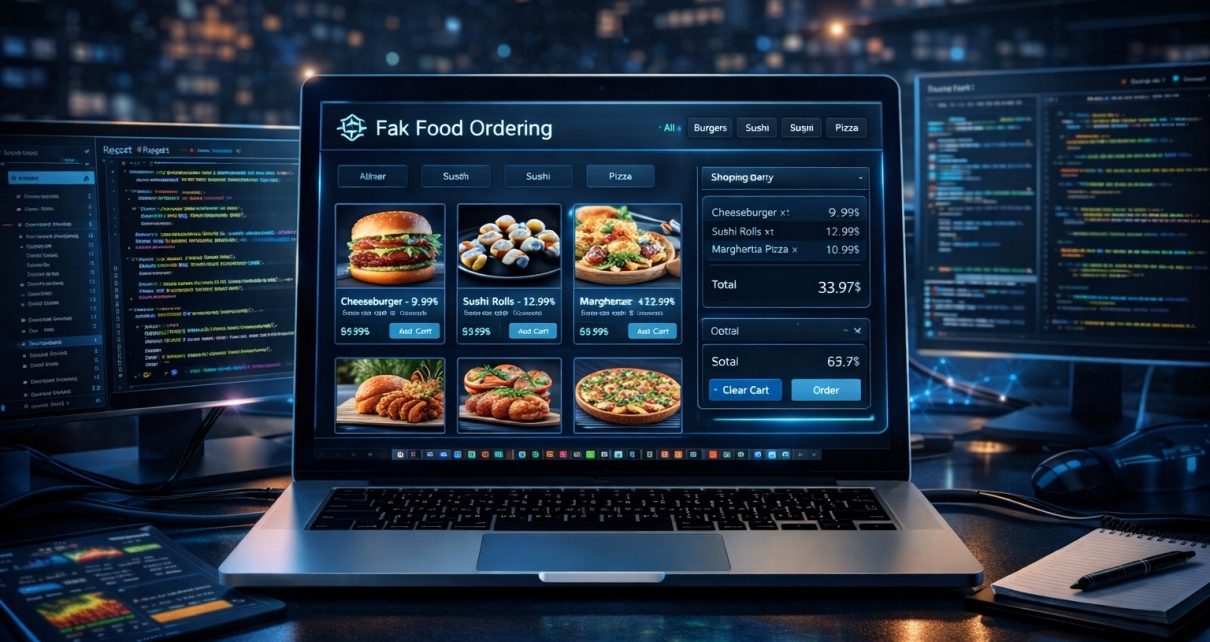
Building real-world projects is one of the best ways to learn modern frontend development. While tutorials teach the basics, hands-on applications help developers understand how production-level apps work.
If you’re looking to improve your React development skills, the repository below is an excellent learning resource.
GitHub Repository:
https://github.com/sf-co/9-react-food-order-app
This repository contains multiple React-based food ordering app implementations, designed to help developers learn how to build dynamic user interfaces, manage application state, and create scalable frontend applications.
In this article, we’ll explore what this repository offers, what skills you can learn from it, and why building a food ordering application is a great project for your portfolio.
Why Build a Food Ordering App?
Food ordering applications are among the most common real-world web application projects used in developer portfolios. Platforms like Uber Eats, DoorDash, and Zomato rely on similar application structures.
A typical food ordering app allows users to:
- Browse restaurant menus
- View food items and categories
- Add items to a cart
- Place orders
- Track order history
These apps require several important frontend concepts such as state management, dynamic UI rendering, and API communication.
Modern implementations often use React because it allows developers to build component-based interfaces and reusable UI structures that scale well for complex applications.
Overview of the GitHub Repository
The repository 9-react-food-order-app provides several implementations and variations of food ordering applications built with React.
GitHub Repo:
https://github.com/sf-co/9-react-food-order-app
Instead of a single project, the repository includes multiple mini applications and examples that demonstrate how to structure and build a modern food ordering interface.
These projects focus on practical frontend development patterns such as:
- React component architecture
- Cart and order state management
- Responsive UI design
- Dynamic rendering of menu items
- User interaction handling
By studying multiple implementations, developers can understand different ways to architect a React application.
Key Features of a React Food Ordering App
Most food ordering applications follow a similar UI structure and functionality.
1. Menu and Product Listing
The main page of the app typically displays available food items with:
- Images
- Descriptions
- Prices
- Categories
React components are often used to dynamically render each food item from a data source.
This approach helps avoid hardcoding content and allows the application to scale easily when the number of menu items increases.
2. Shopping Cart System
A shopping cart is one of the most important components of an e-commerce application.
Typical cart features include:
- Add items to cart
- Remove items
- Update quantity
- Calculate total price
In React applications, the cart is usually managed using state management solutions such as:
- React Context
- Redux
- Local component state
These patterns help ensure that cart data remains synchronized across different components in the application.
3. Dynamic User Interface
React applications rely heavily on dynamic rendering.
For example:
- Menu items appear based on available data
- Cart updates instantly when items are added
- UI components change based on user actions
This dynamic behavior is what makes React ideal for building interactive web applications like food ordering platforms.
4. Responsive Layout
Modern web applications must work across multiple devices, including:
- Desktop
- Tablet
- Mobile phones
Food ordering apps especially require responsive layouts because many users place orders from mobile devices.
Developers often implement responsive design using:
- CSS Grid
- Flexbox
- UI frameworks such as Bootstrap or Tailwind
5. Component-Based Architecture
React encourages developers to break the interface into reusable components.
Typical components in a food ordering app include:
- Header / navigation bar
- Food menu cards
- Category filters
- Cart modal
- Checkout page
Using reusable components makes the application easier to maintain and extend.
Technologies Used in React Food Ordering Apps
Food ordering apps built with React often rely on a combination of modern web technologies.
Common tools include:
- React.js – UI library for building component-based interfaces
- React Router – Navigation between pages
- Redux or Context API – State management
- Axios / Fetch API – API communication
- CSS / Tailwind / Bootstrap – Styling and layout
Some projects also integrate backend technologies such as:
- Node.js
- Express
- MongoDB
These stacks allow developers to create full-stack food delivery systems that support real-time ordering and user management.
Why This Repository Is Useful for Learning React
One of the biggest challenges when learning React is moving from small tutorials to real applications.
This repository helps bridge that gap by providing multiple project implementations that demonstrate practical concepts.
Key benefits include:
Practical Learning
Developers can explore working examples instead of abstract concepts.
Portfolio Development
Food ordering apps are excellent portfolio projects because they demonstrate real-world functionality such as:
- e-commerce logic
- UI design
- state management
- dynamic data rendering
Understanding Project Structure
The repository also helps developers learn how professional React projects organize:
- components
- assets
- state logic
- routing systems
Who Should Explore This Repository?
This repository is ideal for several types of developers.
Beginner React Developers
If you’re learning React and want practical projects beyond tutorials, this repo provides useful examples.
Frontend Developers
Developers can learn how to structure real-world UI applications.
Students and Bootcamp Learners
Food ordering apps are common capstone projects in coding programs.
Portfolio Builders
These projects can be modified and customized to create impressive portfolio applications.
Final Thoughts
Building real applications is the fastest way to improve your development skills. A food ordering app combines many essential frontend concepts including state management, dynamic UI rendering, and component-based architecture.
The 9-react-food-order-app GitHub repository provides a practical collection of React projects that demonstrate how to build a modern food ordering interface from scratch.
GitHub Repository:
https://github.com/sf-co/9-react-food-order-app
Whether you are learning React, improving your frontend skills, or building a portfolio, exploring these projects can help you understand how real-world web applications are structured and developed.