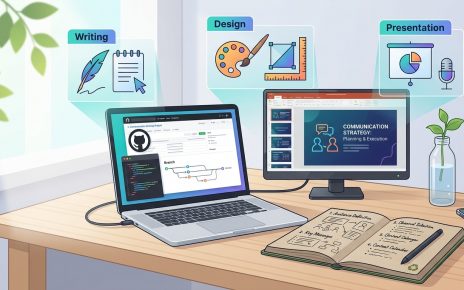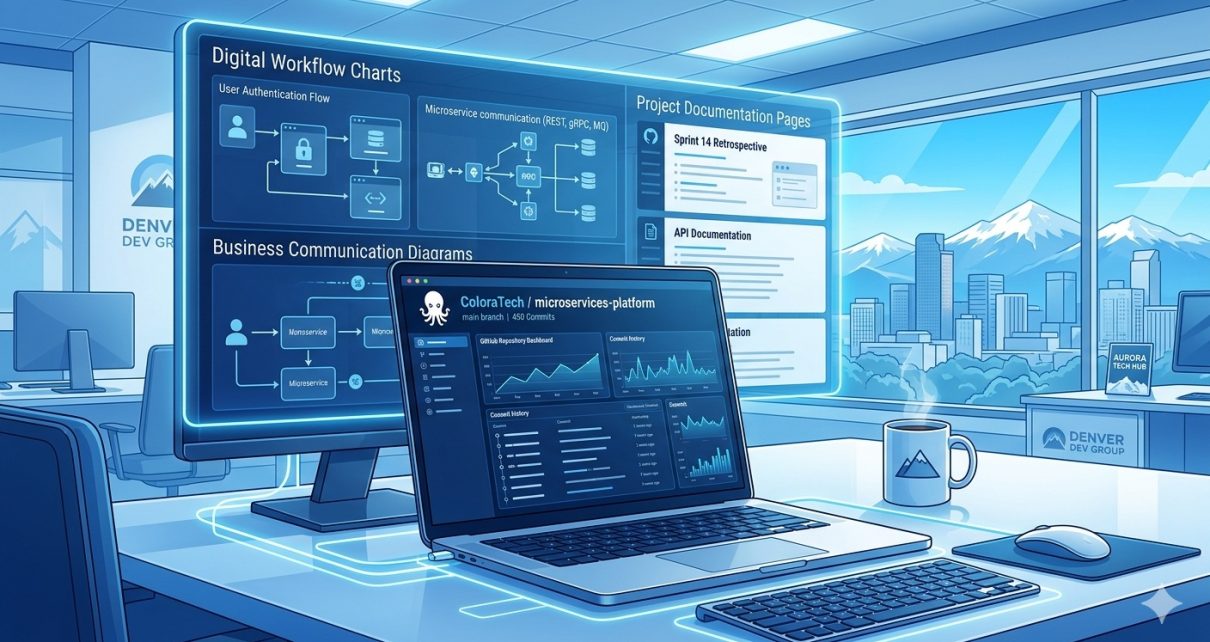
In the modern technology landscape, strong technical skills alone are not enough. Organizations increasingly value professionals who can effectively communicate business needs, translate technical solutions, and present projects clearly to stakeholders. One excellent way to demonstrate these abilities is through a portfolio project hosted on GitHub.
The repository 8‑pm‑colorado‑it‑solutions‑business‑communication‑portfolio showcases how an IT solutions portfolio can be structured to highlight communication, technical documentation, and business-oriented project workflows. This project demonstrates how developers and IT professionals can present their work in a professional format while documenting the technologies, processes, and solutions used throughout the project lifecycle.
This blog explores the purpose of the project, the workflow used to build it, and how anyone can use or extend the repository for learning or portfolio development.
Why Business Communication Matters in IT
Modern IT projects involve collaboration across multiple teams—developers, managers, stakeholders, and clients. Effective communication ensures that technical solutions align with business objectives.
Organizations rely on IT professionals who can:
- Document project goals clearly
- Translate technical requirements into business outcomes
- Present solutions in structured reports
- Maintain version-controlled documentation
Platforms like GitHub are commonly used not only for storing code but also for hosting project documentation, tracking progress, and collaborating with teams. Version control tools such as Git allow developers to manage project updates, collaborate across teams, and maintain transparency in development workflows.
The Colorado IT Solutions Business Communication Portfolio demonstrates how these skills can be presented effectively in a single project repository.
Overview of the Project
The repository serves as a professional IT portfolio example that highlights:
- Business communication skills
- Technical documentation
- Project structure and workflow
- Use of version control for managing project assets
Instead of focusing only on coding, the project emphasizes the importance of structured communication in IT environments.
The project can be used by:
- IT students building portfolios
- Developers documenting professional projects
- Business analysts demonstrating technical communication
- Professionals applying for IT roles
Project Workflow and Technologies
The portfolio project follows a simple but effective workflow that mirrors real IT project development processes.
1. Version Control and Collaboration
The project is managed through Git using GitHub.
Key benefits include:
- Version tracking for documents and project files
- Collaboration between contributors
- Transparent project history
- Organized repository structure
Git workflows allow developers to manage project updates through commits, branches, and pull requests.
2. Documentation-Driven Development
Unlike many repositories that focus only on code, this project highlights documentation as a primary deliverable.
Key documentation elements include:
- Project overview
- Communication strategy
- Business problem description
- Proposed IT solutions
- Implementation approach
This approach reflects how many enterprise IT projects are managed, where documentation is essential for stakeholder communication.
3. Business Communication Strategy
The portfolio demonstrates how to present IT solutions from a business perspective.
Typical sections include:
- Problem definition
- Solution proposal
- Business impact
- Implementation roadmap
This structure ensures that technical solutions align with organizational objectives.
4. Structured Portfolio Organization
The repository is organized to make it easy for recruiters or collaborators to review the project.
Typical repository structure may include:
project-root/
│
├── README.md
├── project-overview/
├── business-analysis/
├── communication-plan/
├── technical-solution/
└── presentation-assets/
This organized structure makes the project easy to navigate and understand.
Steps to Use the Project
If you want to explore or build on this portfolio project, follow these steps.
Step 1: Clone the Repository
Use Git to clone the project locally.
git clone https://github.com/sf-co/8-pm-colorado-it-solutions-business-communication-portfolio
This downloads the repository to your local machine.
Step 2: Review the Documentation
Start by reading the README file and project documentation.
Key things to review include:
- Project objectives
- Communication framework
- Business use case
- Technical recommendations
Understanding the documentation helps you see how business communication and technical solutions work together.
Step 3: Customize the Portfolio
You can adapt the project to build your own portfolio.
Possible customization ideas:
- Add your own IT case studies
- Include diagrams and architecture designs
- Document real projects you worked on
- Add presentation slides
This turns the repository into a professional portfolio.
Step 4: Commit and Push Updates
Once changes are made, commit them to Git.
Example:
git add .
git commit -m "Added new business communication case study"
git push origin main
This keeps your project version-controlled and updated.
Step 5: Share the Portfolio
Finally, share your portfolio through:
- GitHub profile
- Resume
- Personal website
A well-structured repository can demonstrate both technical and communication skills to potential employers.
Key Benefits of This Portfolio Project
The Colorado IT Solutions Business Communication Portfolio demonstrates several valuable skills.
Professional Documentation
Clear documentation helps stakeholders understand technical solutions.
Technical Organization
Structured repositories make projects easier to review and maintain.
Collaboration Readiness
Using Git and GitHub prepares projects for team collaboration.
Career Portfolio
The project can serve as a real-world portfolio example when applying for IT roles.
Final Thoughts
The 8‑pm‑colorado‑it‑solutions‑business‑communication‑portfolio project highlights a critical but often overlooked aspect of IT careers: communication.
Technical expertise is essential, but the ability to document solutions, explain technical concepts, and present business value is what often distinguishes exceptional IT professionals.
By combining version control, structured documentation, and business-focused project communication, this repository provides an excellent example of how IT professionals can showcase their skills through a practical portfolio project hosted on GitHub.
Whether you’re a student, developer, or business analyst, building a portfolio like this can significantly strengthen your professional profile.