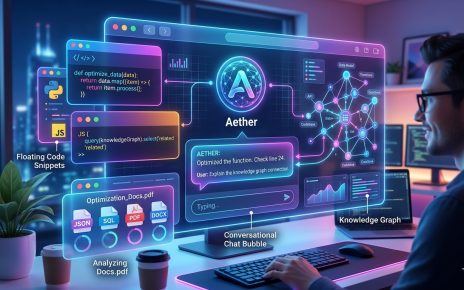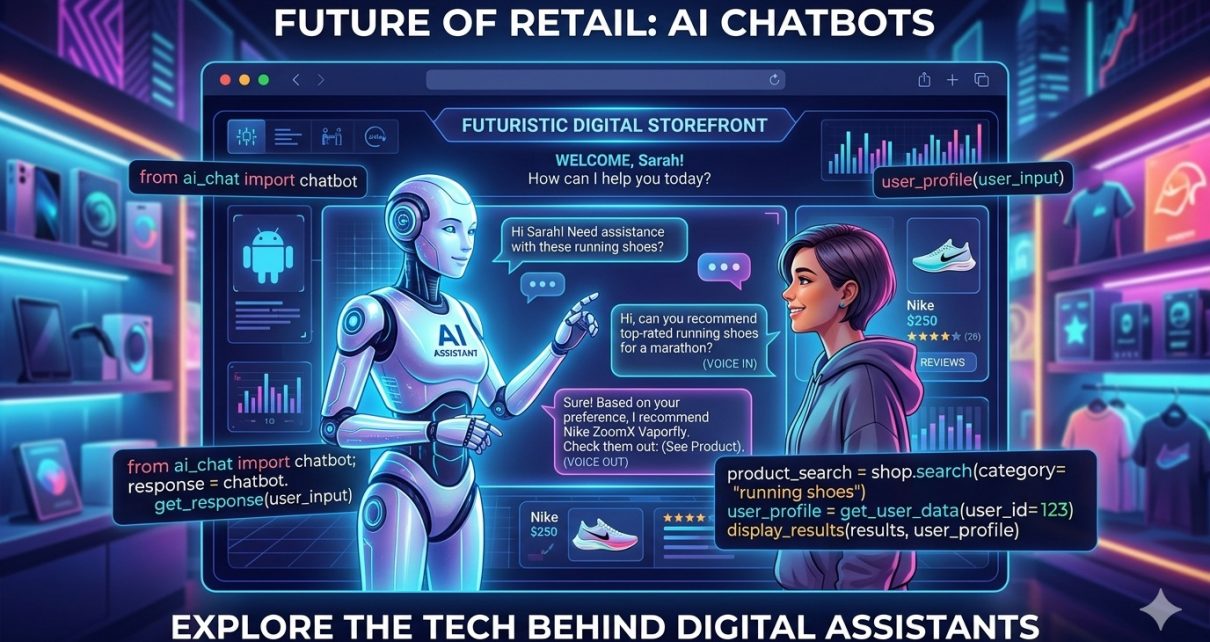
In this tutorial, we’ll explore how to build a conversational AI‑powered sales assistant using open‑source tools and modern AI technologies. Powered by the GitHub repository: sf‑co/9‑ai‑conversational‑ai‑sales‑assistant, this project gives you a working AI chat interface tailored for retail‑style sales interactions.
Whether you’re a developer, startup founder, or AI enthusiast, this guide will take you through the architecture, technologies, and step‑by‑step instructions to get the project up and running.
What Is a Conversational AI Sales Assistant?
A conversational AI sales assistant is an interactive chatbot that understands customer inquiries and responds with helpful, real‑time information — just like a human sales rep would. It leverages natural language processing (NLP) and large language models (LLMs) to interpret questions and generate responses. Chatbots like this are becoming essential for e‑commerce, support workflows, and lead qualification systems across industries.
Instead of basic rule‑based chat trees, this project uses OpenAI’s GPT‑4o‑Mini model to power dynamic conversations that feel natural and context‑aware.
Core Technologies Used
Before we dive into installation and usage, let’s break down the key tools that make this project work:
🔹 Python – The backend language for handling request logic and streaming responses.
🔹 OpenAI SDK (GPT‑4o‑Mini) – Provides state‑of‑the‑art generative AI capabilities for text responses.
🔹 Gradio – A web UI framework to expose the chat interface in the browser.
🔹 python‑dotenv – Manages environment variables securely (API keys).
🔹 Real‑time streaming – Enables token‑by‑token responses for a snappy chat feel.
This stack is lightweight yet powerful, enabling you to prototype and customize an AI sales advisor quickly — with minimal overhead.
Step‑by‑Step: Using the Conversational AI Sales Assistant
Here’s a clear walkthrough to get the project running locally and start interacting with your AI sales bot.
1. Clone the Repository
Open a terminal and clone the project:
git clone https://github.com/sf-co/9-ai-conversational-ai-sales-assistant.git
cd 9-ai-conversational-ai-sales-assistant
This brings down all files including the core notebook and dependencies.
2. Set Up Your Python Environment
Create a virtual environment to isolate dependencies:
python3 -m venv venv
source venv/bin/activate
Then install everything from requirements.txt:
pip install -r requirements.txt
📌 Tip: If you encounter dependency issues, upgrade pip with pip install --upgrade pip.
3. Configure Your OpenAI Credentials
You’ll need an OpenAI API key to interact with GPT‑4o‑Mini.
- Visit https://platform.openai.com and create an API key.
- Create a
.envfile in the project root: OPENAI_API_KEY=your_api_key_here - The app will automatically load this key using the
dotenvpackage.
4. Launch the Chat Interface
Run the project — generally via a Jupyter Notebook or Python script:
python app.ipynb
or open app.ipynb in Jupyter/Lab.
Once started, Gradio will launch a local web interface where you can talk to the AI assistant.
5. Try Conversations with the Sales Assistant
Now that the UI is live, you can begin entering sales‑oriented queries like:
- “What’s the return policy on shoes?”
- “How do I choose the right hat size?”
- “Recommend accessories for a winter jacket.”
The assistant uses smart prompt engineering to give context‑aware replies according to the products or topics you ask about.
Customizing Your Sales Assistant
Add New Prompt Strategies
The project dynamically modifies system prompts based on input (e.g., product categories). You can enhance this with industry‑specific logic — for example:
- Add discount/offer logic for promotions.
- Plug into a CRM or customer profile store.
- Generate personalized suggestions based on past interactions.
Deploying Remotely
Once you’ve prototyped locally, consider deploying the assistant with services like:
🚀 Render
🚀 Vercel (if UI‑centric)
🚀 Heroku
🚀 Cloud run on AWS/GCP
Just make sure to securely store your environment variables and keep API keys safe.
Why This Matters for Modern Workflows
Conversational AI assistants are rapidly evolving beyond static bots. They offer dynamic engagement with customers and prospects — contextual understanding, personalized recommendations, and a natural chat experience.
Sales teams that adopt AI assistants benefit from:
✔ Faster lead qualification
✔ Reduced support workload
✔ Improved customer experience
✔ 24/7 responsiveness
In fact, leading tools in the AI sales space start with conversational interfaces, then extend to booking meetings, capturing insights, and syncing with CRM systems.
This open‑source project is a great way to get started on that path.
Final Thoughts
Whether you’re building an AI‑powered e‑commerce assistant or testing smart chat interfaces for your business, this project provides a solid foundation. With just Python, OpenAI, and Gradio, you can build an interactive AI sales assistant that rivals commercial solutions.
Ready to make sales smarter and more conversational?
🔗 Try the code on GitHub: sf‑co/9‑ai‑conversational‑ai‑sales‑assistant
Let us know how your AI assistant performs — and how you customize it to fit your business workflow!