Maven serves as a crucial code build tool, transforming your code into an artifact. It’s widely utilized in continuous integration processes. Prerequisites Ensure you have: Install Maven on Jenkins To install Maven on your Jenkins server, follow these steps: Checkpoint Log off and log in to check the Maven version. This completes the Maven software […]
DevOps
Configure Git Plugin on Jenkins
Git stands as a widely embraced version control tool. Jenkins facilitates code retrieval from Git repositories via the GitHub plugin. Prerequisites Ensure you have: Install Git on Jenkins server To install Git packages on your Jenkins server, execute the following command: Setup Git on Jenkins console Follow these steps to configure Git on the Jenkins […]
Jenkins Install and Setup
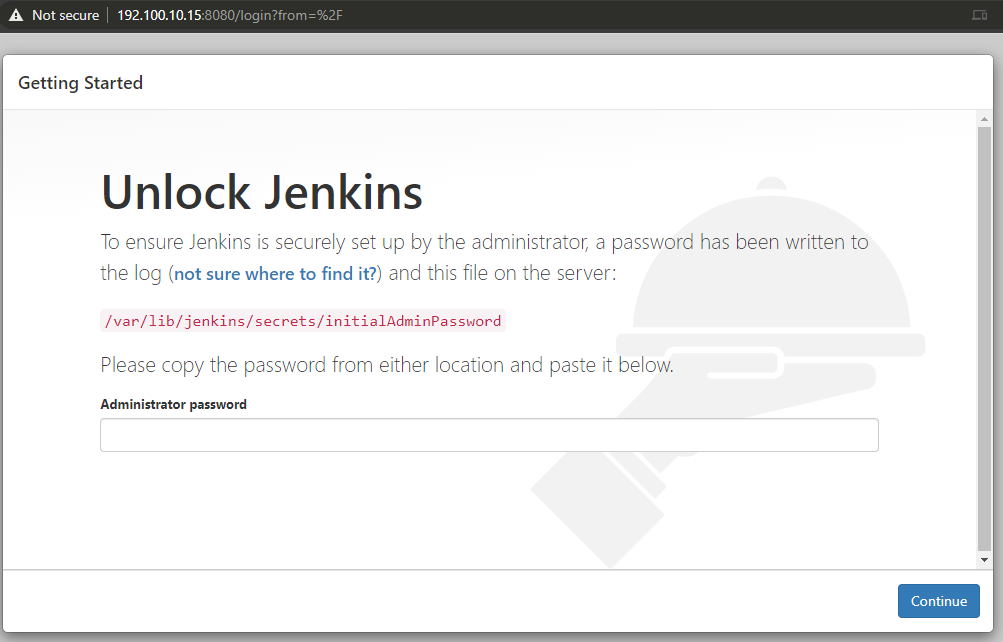
Jenkins can be installed using various methods, including: INSTALLING TOMCAT To install Jenkins with Tomcat, ensure you have Java (minimum version 7) and Tomcat (minimum version 5). Here are the steps: These commands create a directory named jenkins and set up a Vagrant machine with Java 8 and Tomcat 9 installed. INSTALLING JENKINS AS A […]
Configure Jenkins
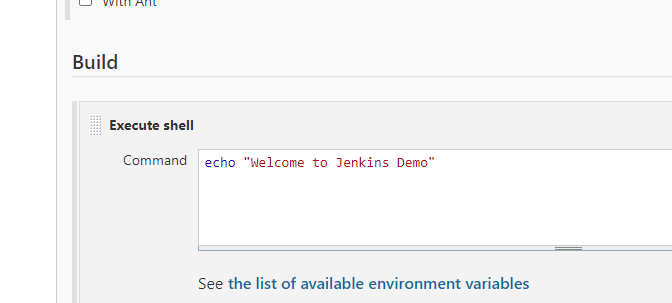
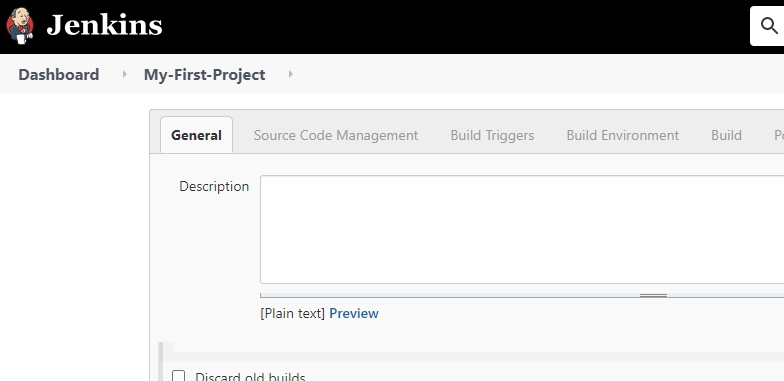
Configuring Jenkins: A Step-by-Step Guide Jenkins is a powerful tool for automating tasks and setting up continuous integration and continuous delivery (CI/CD) pipelines. To get the most out of Jenkins, proper configuration is essential. In this guide, we’ll walk you through the process of configuring Jenkins step by step. 1. Access Jenkins Once Jenkins is […]
INSTALLING JENKINS – TOMCAT
If you’re looking to set up Jenkins quickly and efficiently, Vagrant offers a convenient solution by providing a pre-configured box that comes with Java and Tomcat already installed. This guide will walk you through the steps of setting up Jenkins using Vagrant with the necessary components. Prerequisites: Before we begin, ensure you have the following: […]