DevOps

First Maven Project With Jenkins

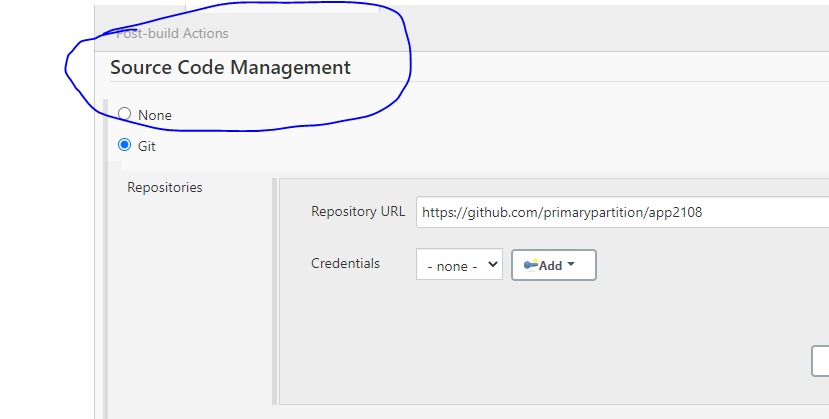
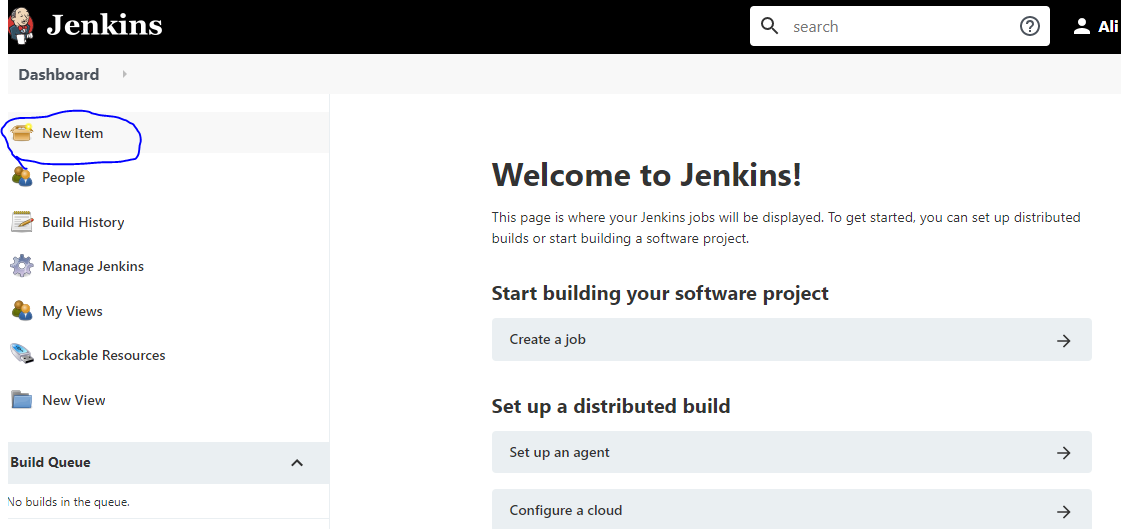
Getting started with Maven involves creating your initial project setup, configuring source code management, and setting up the build process. Follow these steps to efficiently kickstart your Maven project: initiate a new Maven project, configure Git as your version control system, specify the repository URL and branch, set up the build configuration including the root POM and build goals, and finally, execute the build process to ensure everything is set up correctly.
DevOps

JENKINS THEMES

This article explores the customization possibilities in Jenkins through the integration of themes. It guides users through the process of installing the Simple Theme Plugin and applying themes to Jenkins, demonstrating a seamless transformation of the Jenkins interface.

DevOps

Jenkins CONFIGURING LOGGING

This article guides you through configuring logging in Jenkins using the Audit Trail plugin. It outlines the installation process and provides step-by-step instructions for configuring log file options. Additionally, it demonstrates making a change to the global configuration and observing the corresponding log file entry.

DevOps

Jenkins – Installation – Linux

Jenkins is a self-contained Java-based program, ready to run out-of-the-box, with packages for Windows, Mac OS X and other Unix-like operating systems. As an extensible automation server, Jenkins can be used as a simple CI server or turned into the continuous delivery hub for any project. https://www.jenkins.io/doc/book/installing/ To install and setup the Jenkins server on […]