The installation and configuration of Jenkins on a Linux server necessitate the presence of Java. Following a structured sequence of commands, Java is first installed, then Jenkins is downloaded and set up. Post-installation, accessing the server involves retrieving the initial administrative password for further configuration.
DevOps
Create Backup Project Using Jenkins
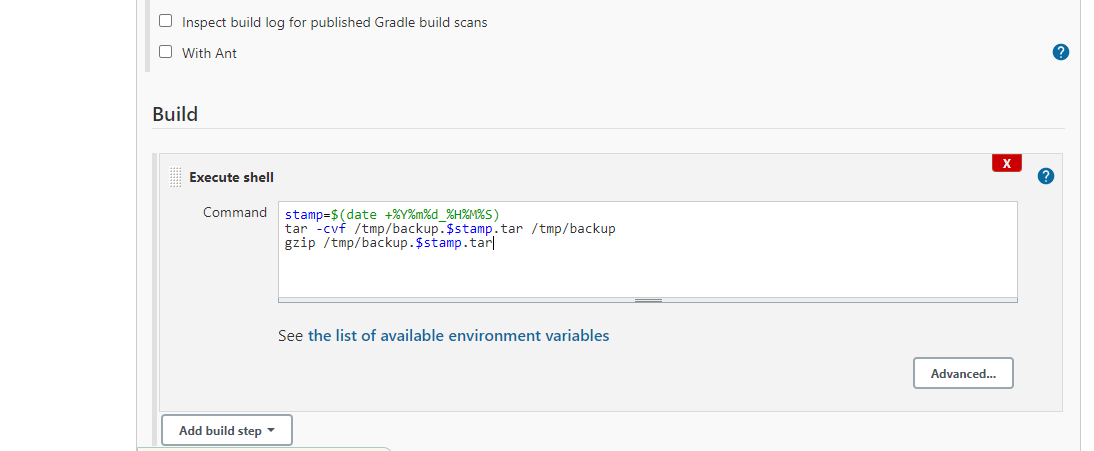
Establishing a backup project in Jenkins involves crafting a script to generate periodic backups from a specified directory. This entails creating TAR archives with timestamped filenames to prevent overwriting. By configuring periodic builds and scheduling them using cron-like expressions, Jenkins facilitates automated backup operations.
Creating Your First Job Project With Jenkins
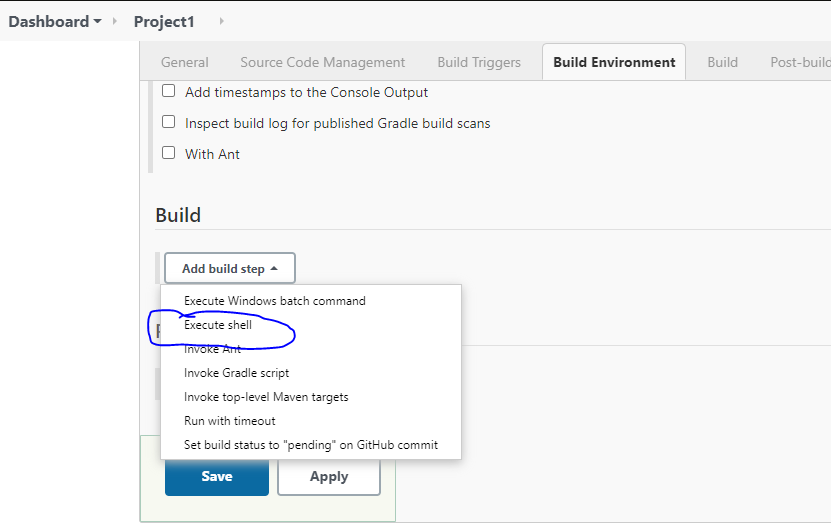
Embarking on your journey with Jenkins involves setting up your first job project. This initial task serves as a practical demonstration, guiding you through the process of configuring a job to perform a simple action: creating a file with the phrase “Hello World”. By following these steps, you’ll gain a foundational understanding of how Jenkins operates and how to execute basic tasks within its framework.
First Maven Project With Jenkins
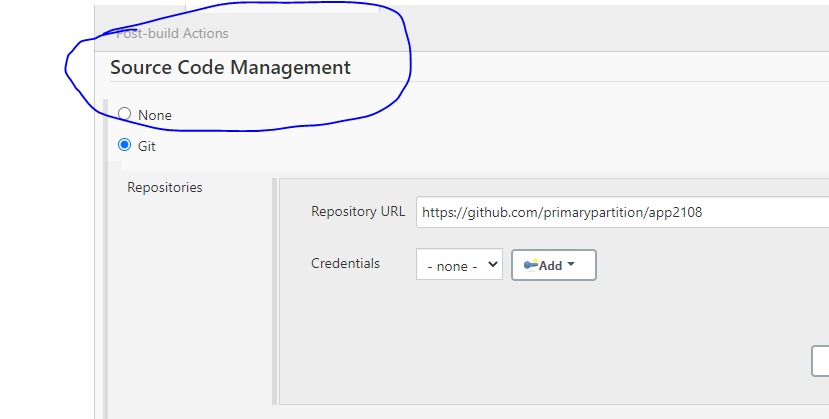
Getting started with Maven involves creating your initial project setup, configuring source code management, and setting up the build process. Follow these steps to efficiently kickstart your Maven project: initiate a new Maven project, configure Git as your version control system, specify the repository URL and branch, set up the build configuration including the root POM and build goals, and finally, execute the build process to ensure everything is set up correctly.