Speech recognition is rapidly transforming how we interact with technology—from voice assistants to automated transcription systems. This GitHub project presents a complete, hands-on implementation of an intelligent speech recognition and audio analysis pipeline using Python. It’s an excellent resource for developers, students, and AI enthusiasts who want to understand how raw audio data can be transformed into meaningful text and insights.
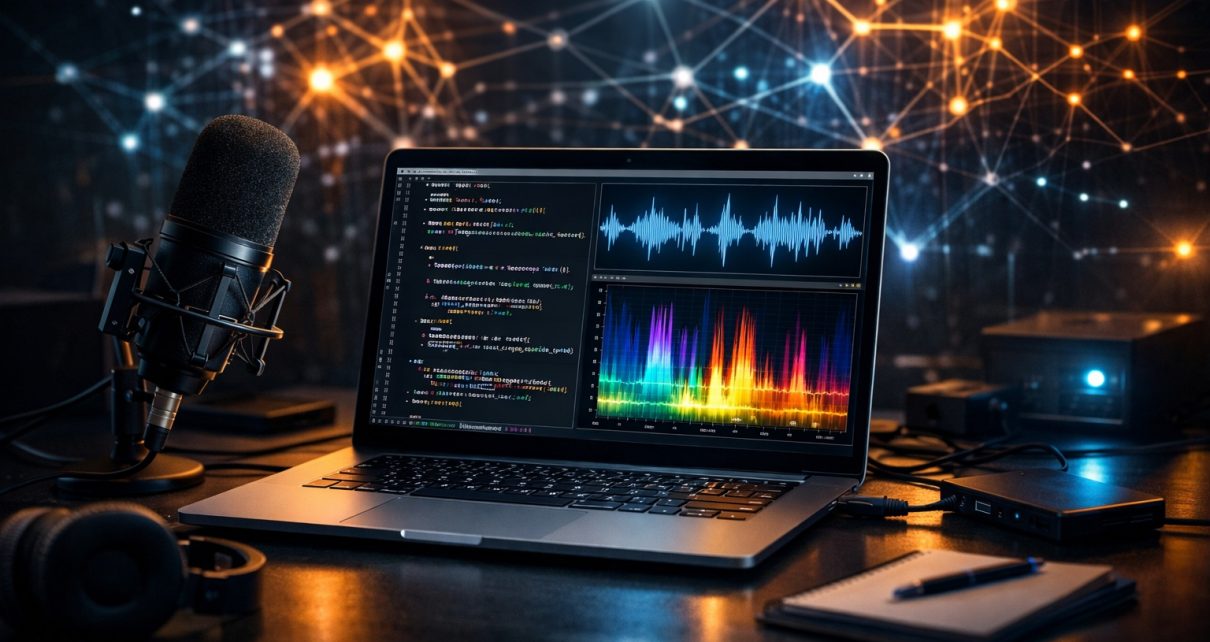
The project begins with audio preprocessing and visualization. Using libraries like Librosa, NumPy, and Matplotlib, it loads audio files, displays waveforms, and generates spectrograms. These visualizations are crucial for understanding how sound behaves across time and frequency, especially when dealing with noisy or complex signals. Audio signal processing plays a foundational role in speech recognition systems, as models often rely on extracted features from waveforms and frequency domains to perform accurate transcription.
A key feature of this project is its integration of multiple speech-to-text approaches. It uses the SpeechRecognition library with Google Web Speech API for quick transcription, and also incorporates OpenAI’s Whisper model for more advanced and robust speech recognition. Modern speech recognition models, especially those trained on large-scale datasets, can generalize well across languages and environments, making them highly effective even without fine-tuning. This dual-model approach allows users to compare performance and understand trade-offs between speed and accuracy.
Another important aspect of the project is evaluation. Using the JiWER library, it calculates Word Error Rate (WER) and Character Error Rate (CER), which are standard metrics for assessing transcription quality. These metrics help quantify how close the generated text is to the ground truth, making the project especially useful for experimentation and benchmarking different models or preprocessing techniques.
The project also explores audio enhancement techniques such as pre-emphasis filtering. By boosting higher frequencies, the system improves speech clarity, which can lead to better transcription accuracy. Users can visually compare spectrograms before and after filtering to see how the audio signal changes. This demonstrates the importance of preprocessing in improving machine learning model performance.
Scalability is another strong point. The system supports batch processing of multiple audio files from a directory, making it practical for real-world use cases like transcribing meetings, interviews, or datasets. The results are exported into CSV format, enabling easy analysis, reporting, or integration into other workflows. This feature reflects how modern AI systems often combine automation with data management for efficiency.
Additionally, the project includes text-to-speech functionality using gTTS (Google Text-to-Speech), allowing users to convert text back into audio. This creates a full speech pipeline—from input audio to transcription and back to synthesized speech. Such systems are widely used in accessibility tools, virtual assistants, and language learning applications.
How to Use the Project:
- Clone the Repository
Download the project using Git:- git clone https://github.com/sf-co/26-ai-intelligent-speech-recognition-audio-analysis.git
- cd 26-ai-intelligent-speech-recognition-audio-analysis
- Install Dependencies
Make sure you have Python installed, then install required libraries:- pip install numpy matplotlib librosa soundfile SpeechRecognition jiwer openai-whisper gtts
- Prepare Audio Files
Place your.wavaudio files (e.g.,speech_01.wav) in the project directory. - Run the Notebook or Script
Open the Jupyter Notebook or run the Python script to:- Visualize audio waveforms and spectrograms
- Transcribe audio using Google API and Whisper
- Evaluate accuracy using WER and CER
- Apply preprocessing techniques
- Batch Processing (Optional)
Update the directory path in the script to process multiple audio files and export results to CSV. - Text-to-Speech Output
Modify the text input and generate audio output using gTTS.
Conclusion:
This project is a well-rounded example of how artificial intelligence, signal processing, and practical programming come together to solve real-world problems. It not only demonstrates how speech recognition works but also emphasizes evaluation, scalability, and usability. Whether you’re a beginner learning audio processing or an experienced developer exploring AI models, this project offers valuable insights into building intelligent voice-based applications.